

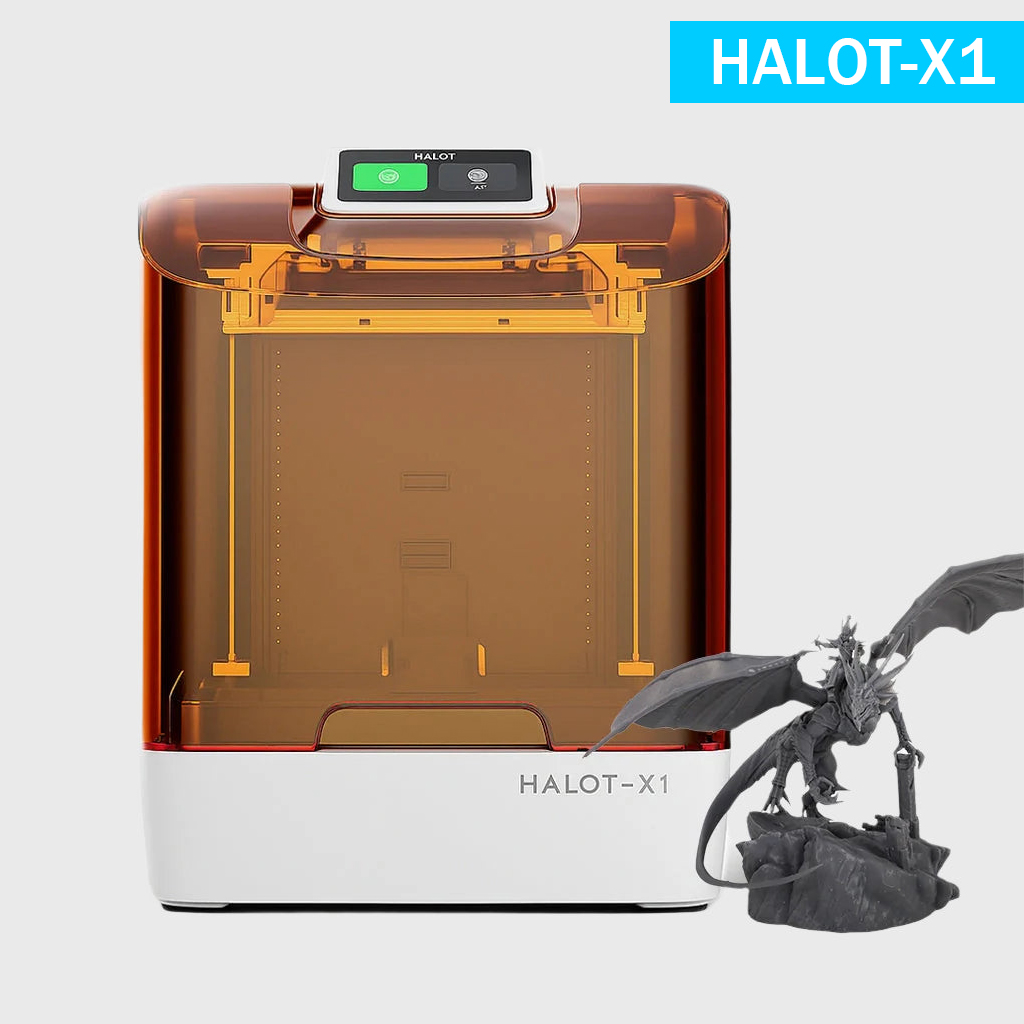

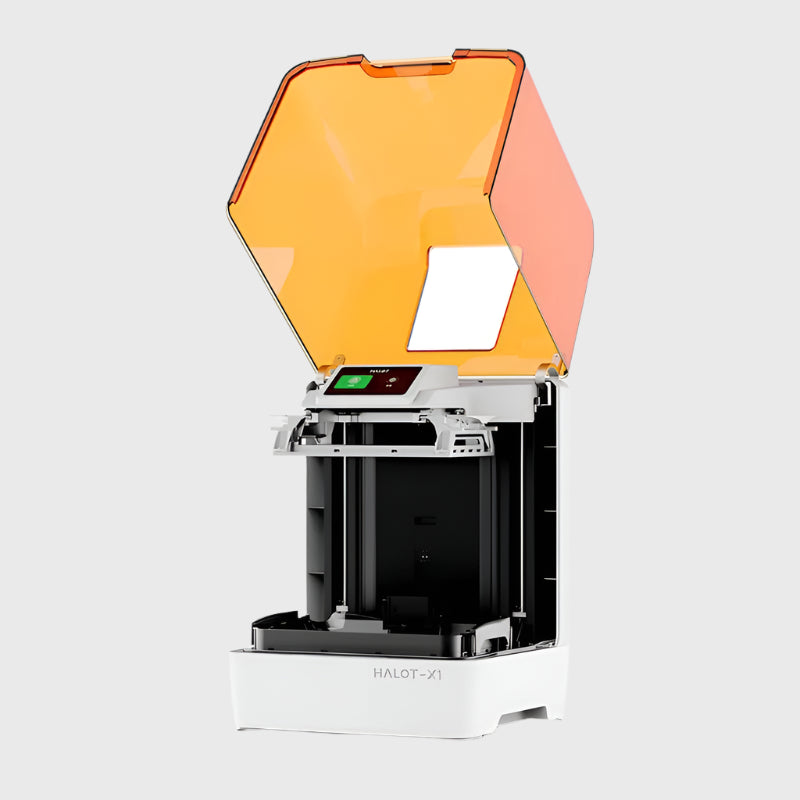
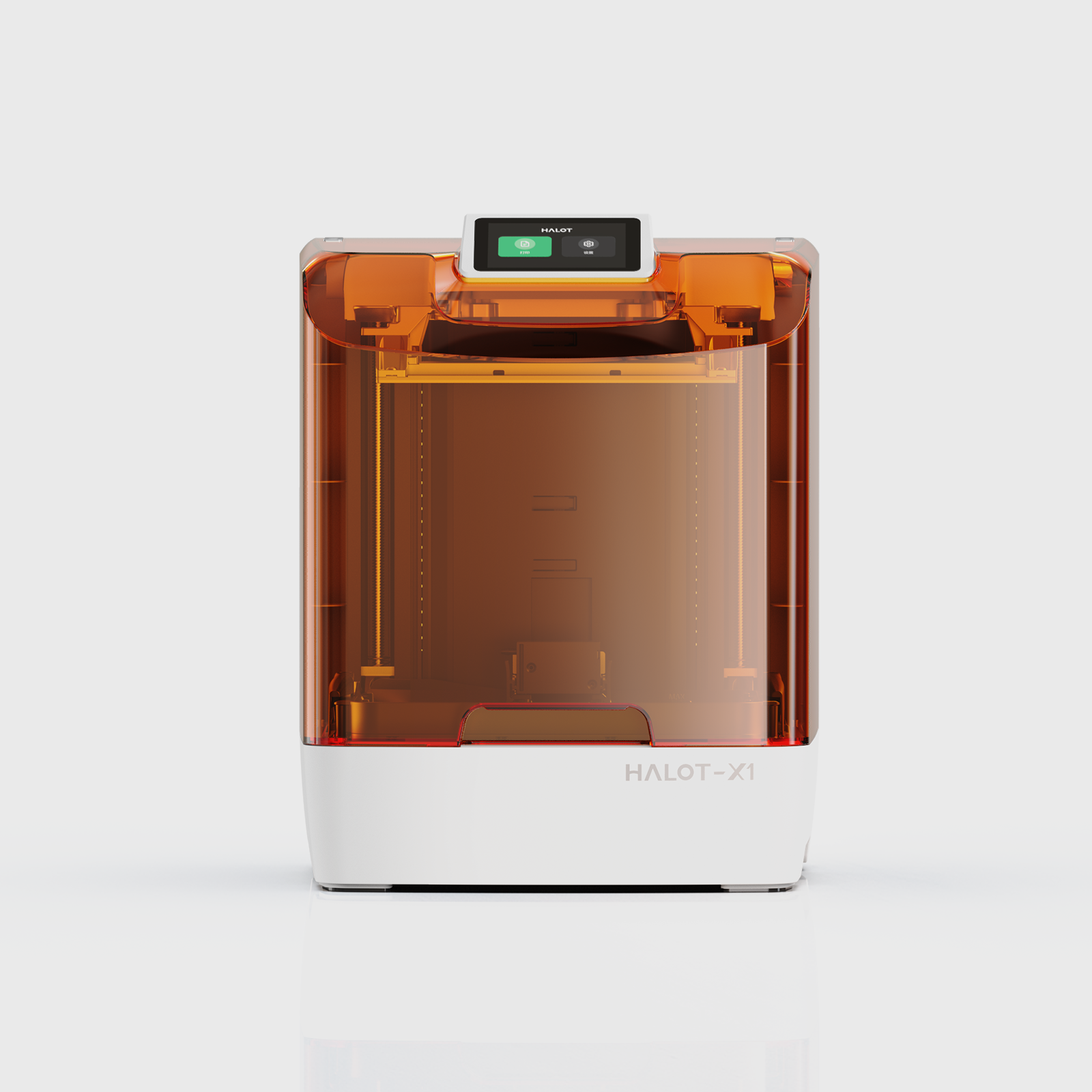
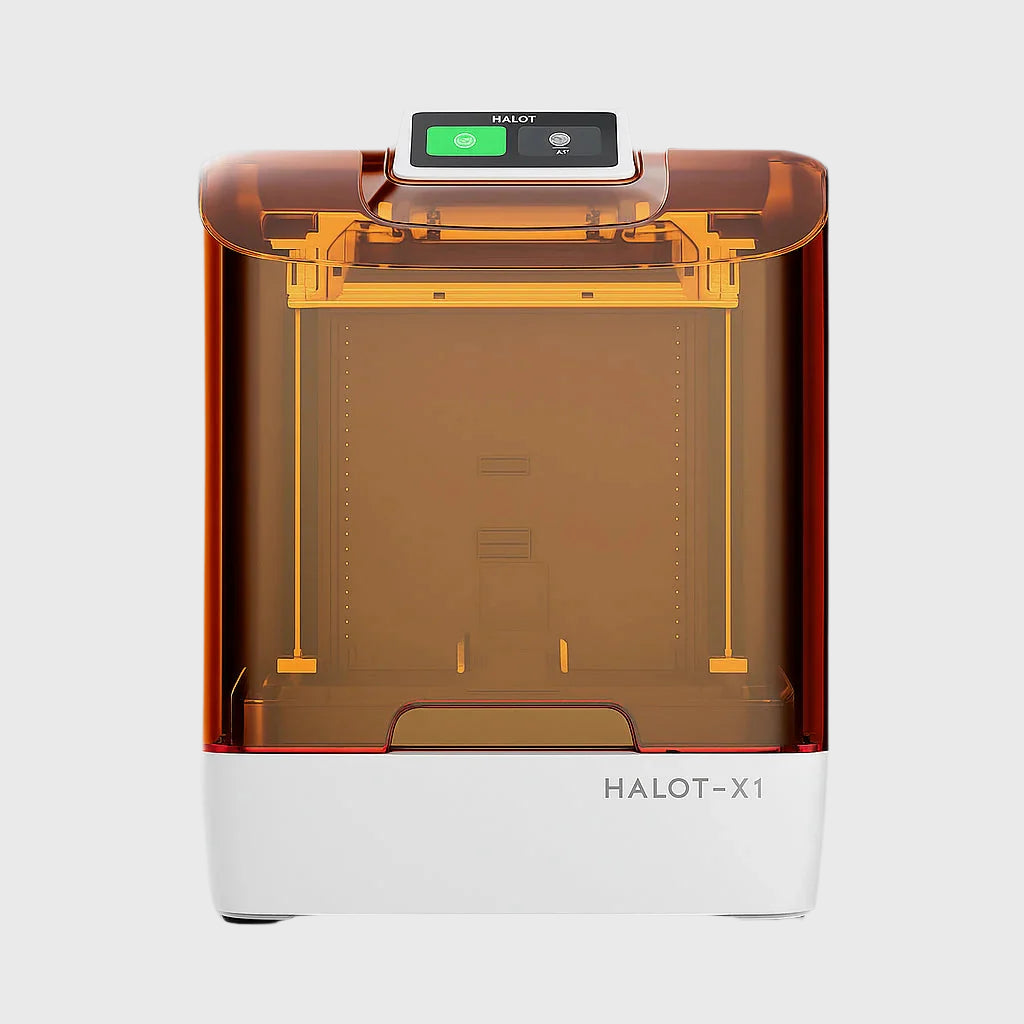
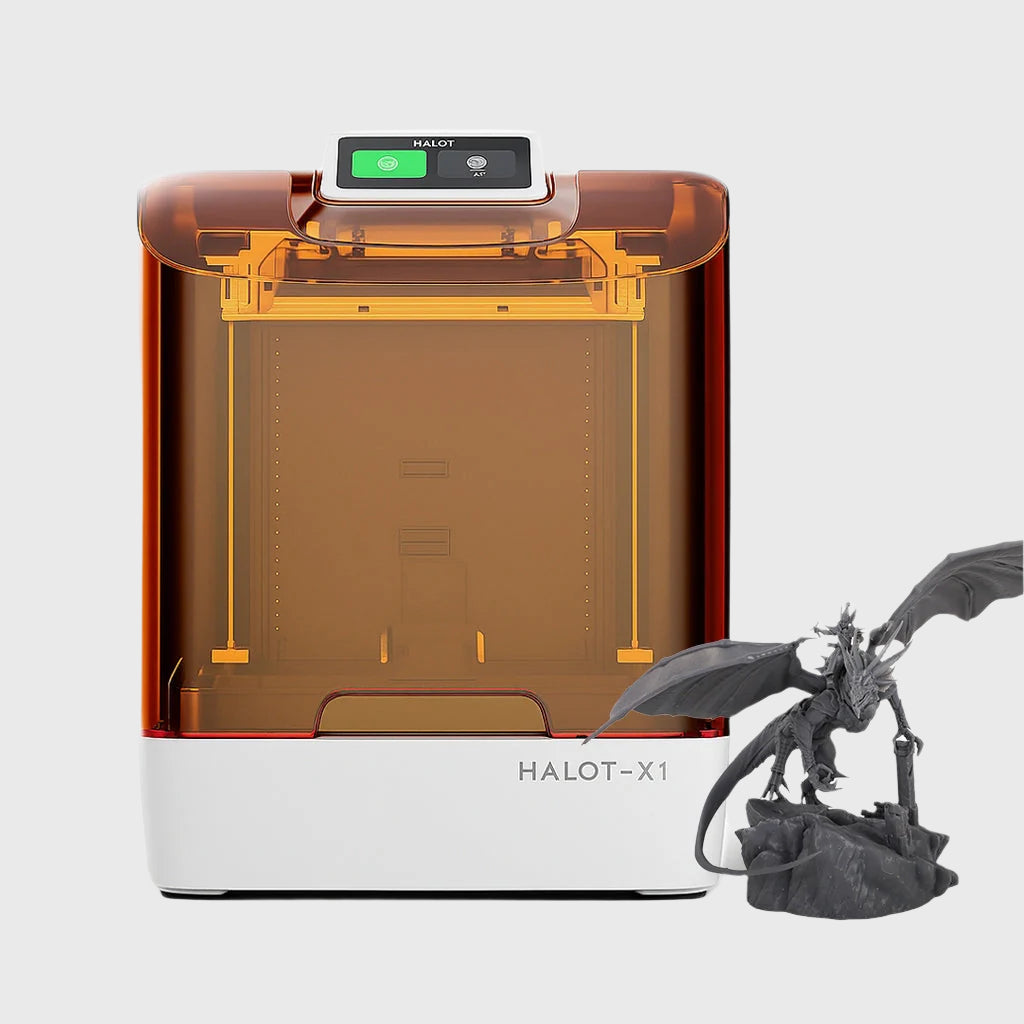
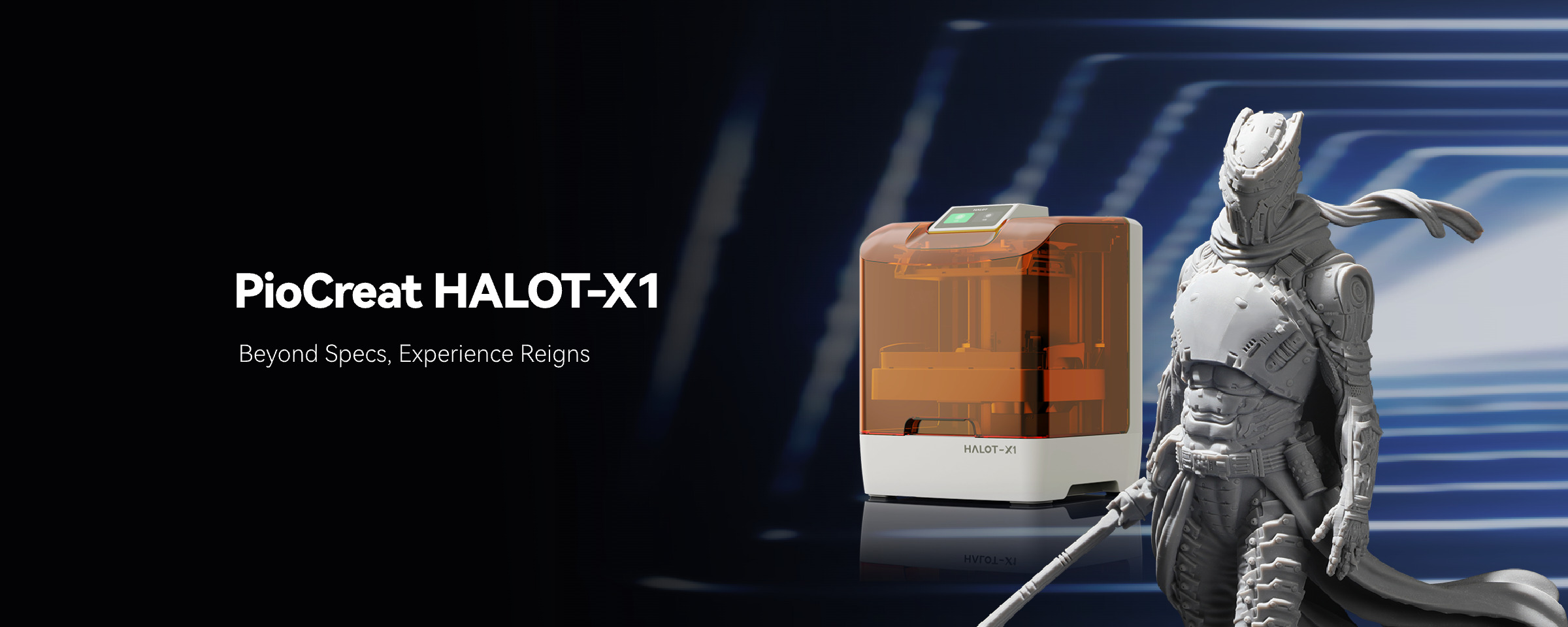
Creality HALOT-X1 Resin 3D Printer
£ GBP
£ GBP

Please select product attributes before purchasing~~
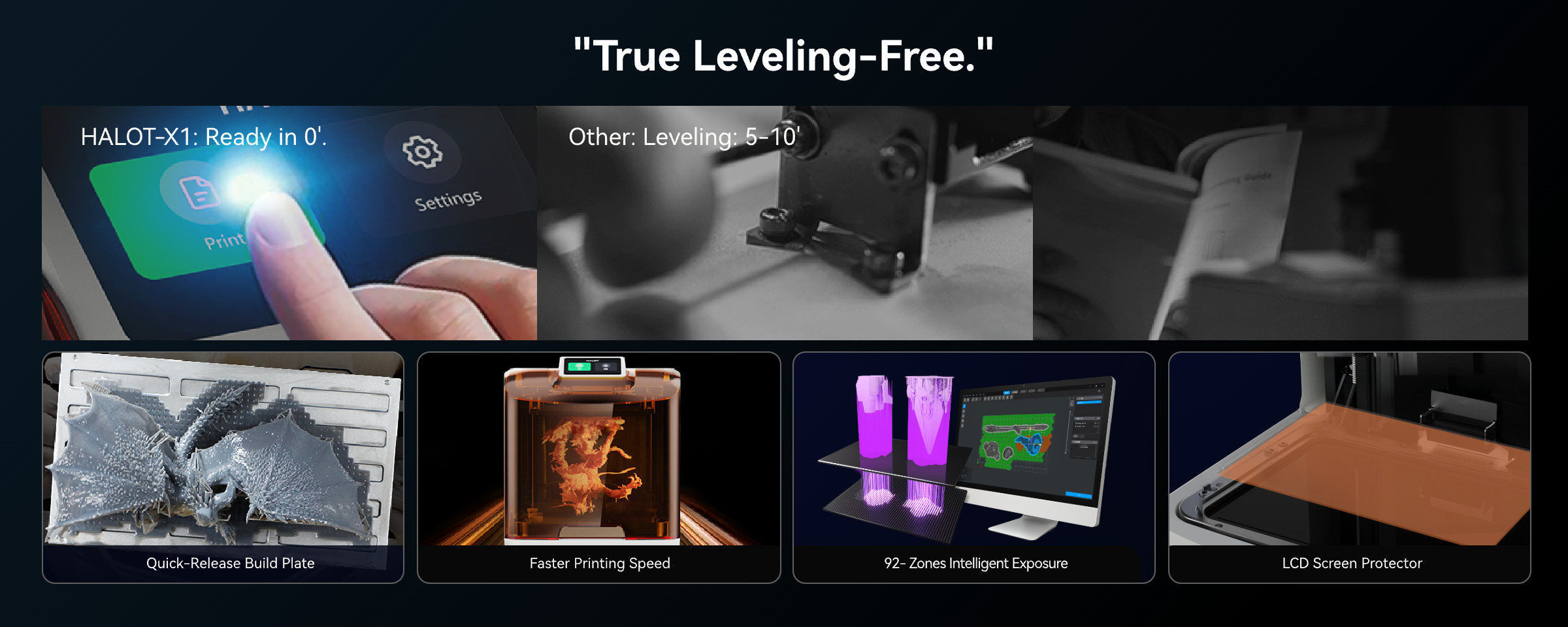

HALOT-X1 FAQ
Is there a PioCreat Studio tutorial for beginners?
Yes. If you're new to PioCreat Studio or resin 3D printing, you can refer to the official PioCreat Studio tutorial.
The tutorial covers software installation, model importing, slicing settings, resin parameters, file export, and the basic printing workflow for the HALOT-X1. It is a good starting point for beginners who want to become familiar with the complete printing process.
Why does the “Door Security” reminder keep appearing?
The Door Security feature is designed to improve safety during operation. When the cover is open, certain printer movements may be restricted, including lowering the build platform.
For normal use, we recommend keeping this safety feature enabled.
If the lid sensor is not working correctly, or if you need to disable the reminder for troubleshooting purposes, go to:
Settings → Print Settings → Door Security Reminder
and turn the function off manually.
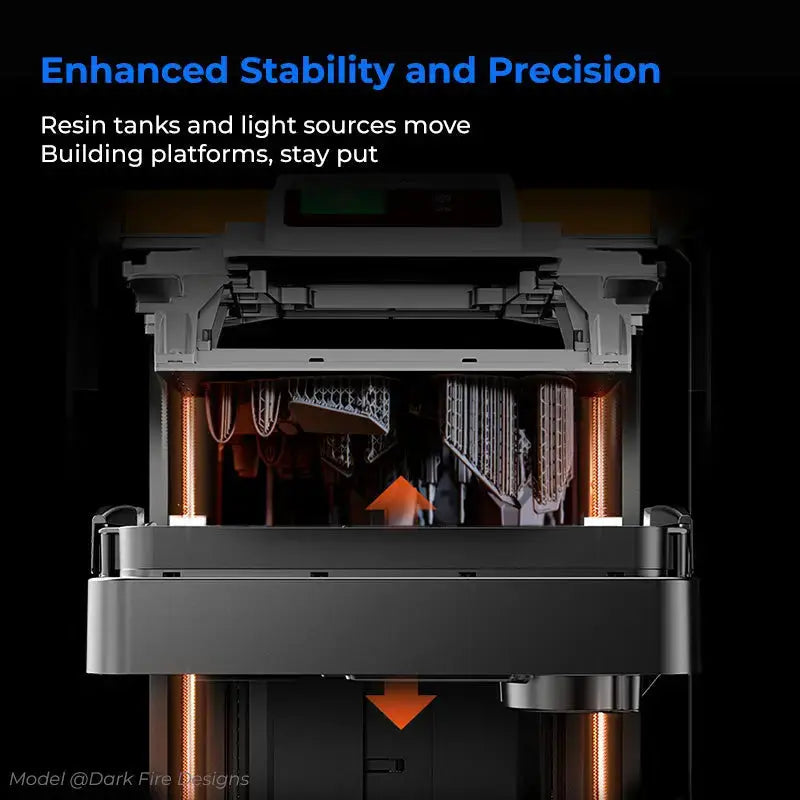
Why does the resin tank move slowly when lifting or lowering?
The resin tank does not move at a constant speed.
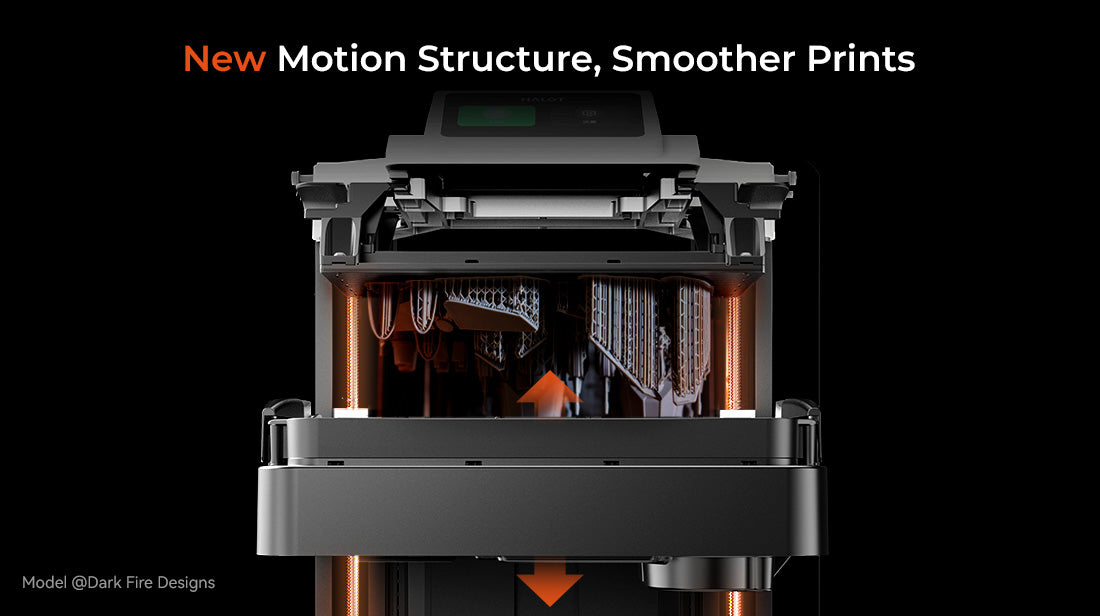
Its motor uses an S-curve motion profile, which means the movement is slower near the starting position and highest position, while the system accelerates during the middle part of the movement.
This motion profile helps provide smoother mechanical movement and reduces sudden changes in speed during printing.
Can I adjust the UV light intensity on the HALOT-X1?
No. The UV light intensity is currently not user-adjustable.
The HALOT-X1 uses a fixed light intensity of approximately 6500 μW/cm². The system is designed to simplify parameter setup, especially for users who are new to resin 3D printing.
For the most consistent results, we recommend starting with resin profiles that have been tested for the HALOT-X1.
When using third-party resin, exposure time and other printing parameters may need to be adjusted manually depending on the resin brand, color, and formulation.
What sensors are built into the HALOT-X1?
The HALOT-X1 includes sensors and switches for safety and motion control, including:
-
Lid detection sensor — Detects whether the printer cover is open or closed.
-
Z-axis limit switch — Used for Z-axis positioning and motion control.
These components help ensure that the printer operates correctly during initialization and printing.
How do I import resin parameter profiles?
There are two main ways to import resin parameters.
You can connect the printer or software to Creality Cloud, where supported resin parameter profiles can be synchronized automatically.
You can also import compatible resin parameter files manually using a USB flash drive.
After importing a profile, always check the exposure and printing parameters before starting a print, especially when using third-party resin.
Can the HALOT-X1 print jewelry casting resin?
Yes. The HALOT-X1 can be used with compatible 405 nm jewelry and casting resins.
However, third-party jewelry resins may require manual parameter tuning. Exposure time, layer height, lift settings, and other values may vary depending on the resin formulation.
For best results, we recommend starting with the resin manufacturer's suggested settings and performing a small exposure calibration test before printing detailed jewelry models.
Why is file transfer from my USB drive slow?
File transfer speed can vary depending on the USB flash drive, file size, and storage performance.
For better transfer performance, use a reliable USB flash drive with good read and write speeds.
If transfer speeds are unusually slow, you can also try:
-
Using a different USB flash drive
-
Reformatting the drive to a supported file system
-
Removing unnecessary files from the drive
-
Re-exporting the sliced file before transferring it again
How do I delete files stored on the printer?
Historical print files cannot currently be deleted directly from the printer interface.
When new print files are imported, the printer manages its internal storage automatically.
If you are experiencing storage or file management issues, restarting the printer and re-importing the required print file may help.
What UV wavelength does the HALOT-X1 use?
The HALOT-X1 is designed for 405 nm UV-curable resin.
Most standard 405 nm photopolymer resins can be used with the printer, although printing parameters may vary between different resin brands and formulations.
When using a new resin, we recommend checking the resin manufacturer's recommended exposure range and running a calibration print before starting a large or highly detailed model.
| Specification | Details |
|---|---|
| Product Title | HALOT-X1 |
| Machine Size | 344 × 331 × 434 mm |
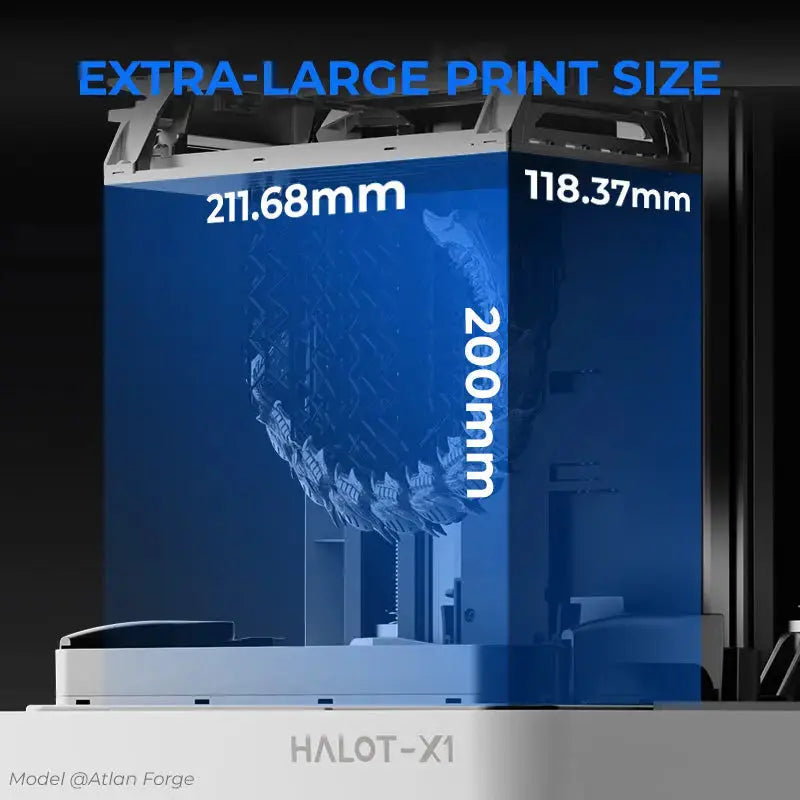
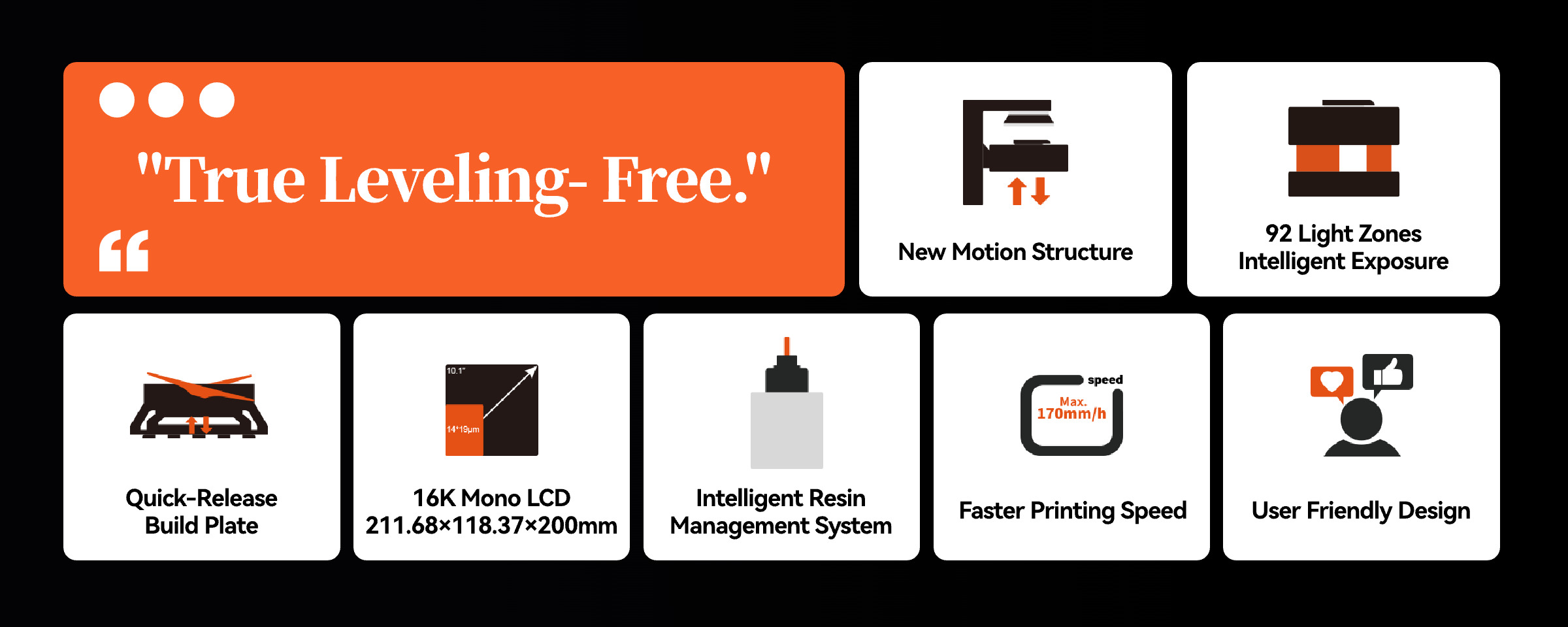
| Printing Size | 211.68 × 118.37 × 200 mm |
| Package Size | 430 × 420 × 535 mm |
| N.W. | 12.93 kg |
| G.W. | 16.19 kg |
| Printing Technology | LCD |
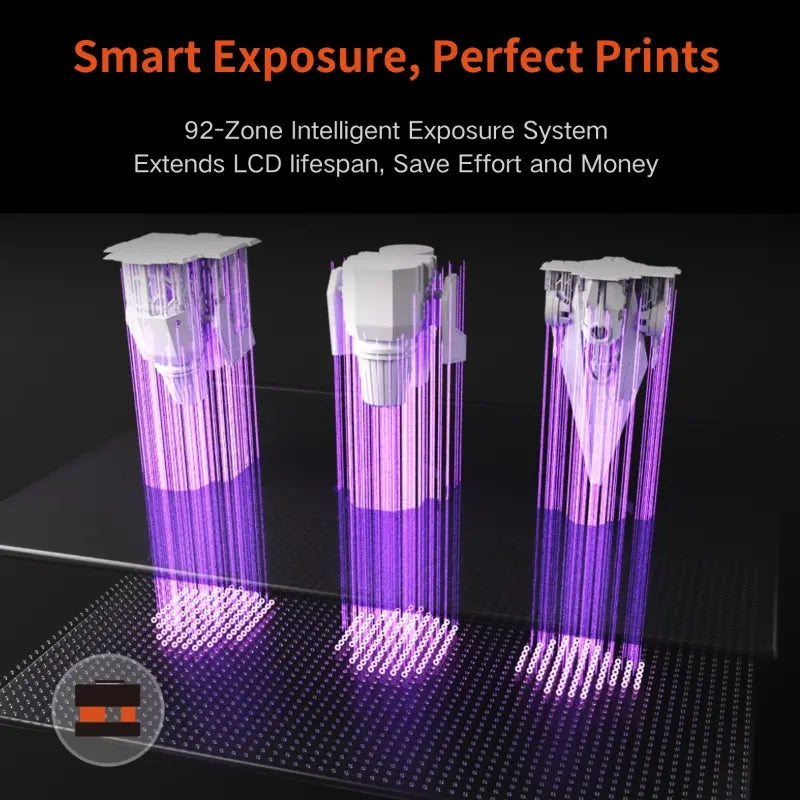
| Light Source | Honeycomb Matrix Light Source |
| Exposure Intensity | 6500 + 10% μW/cm² |
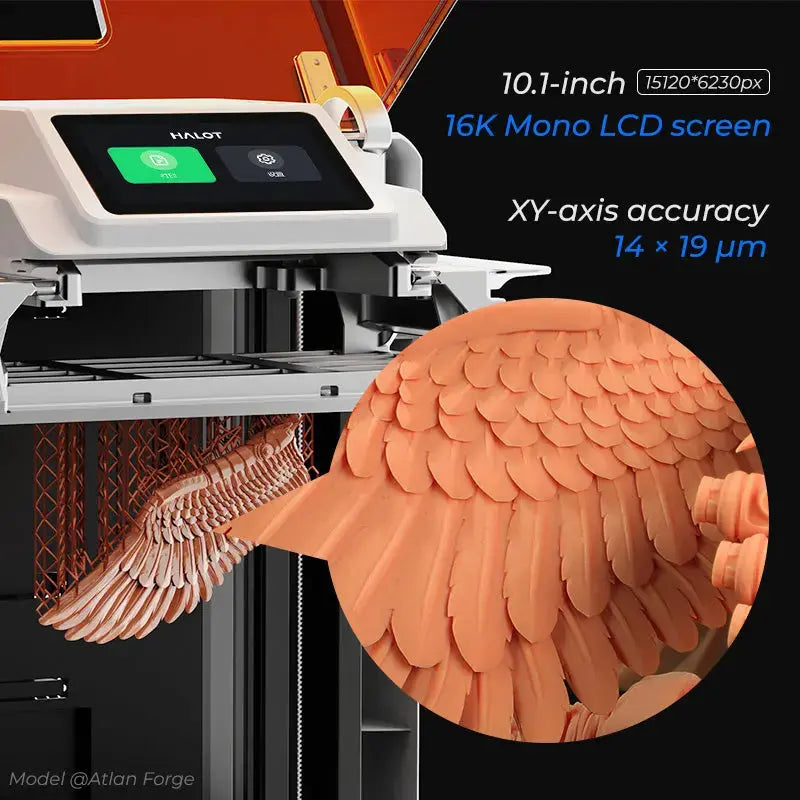
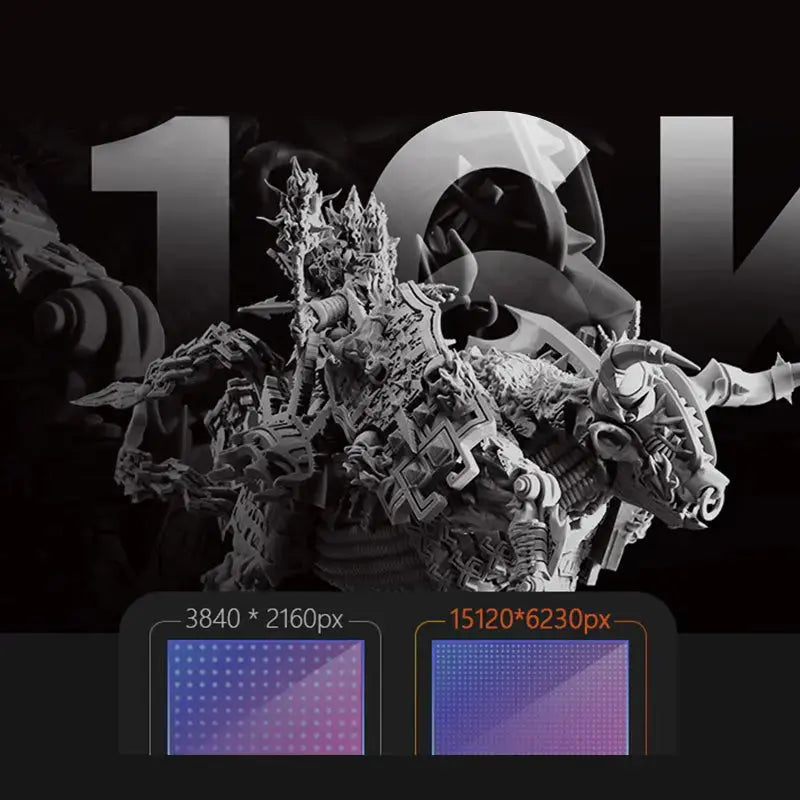
| Resolution | 16K (15120 × 6230 px) |
| Pixel Size | 14 × 19 μm |
| Z-axis Accuracy | 0.01 mm |
| Layer Thickness | 0.01–0.2 mm |
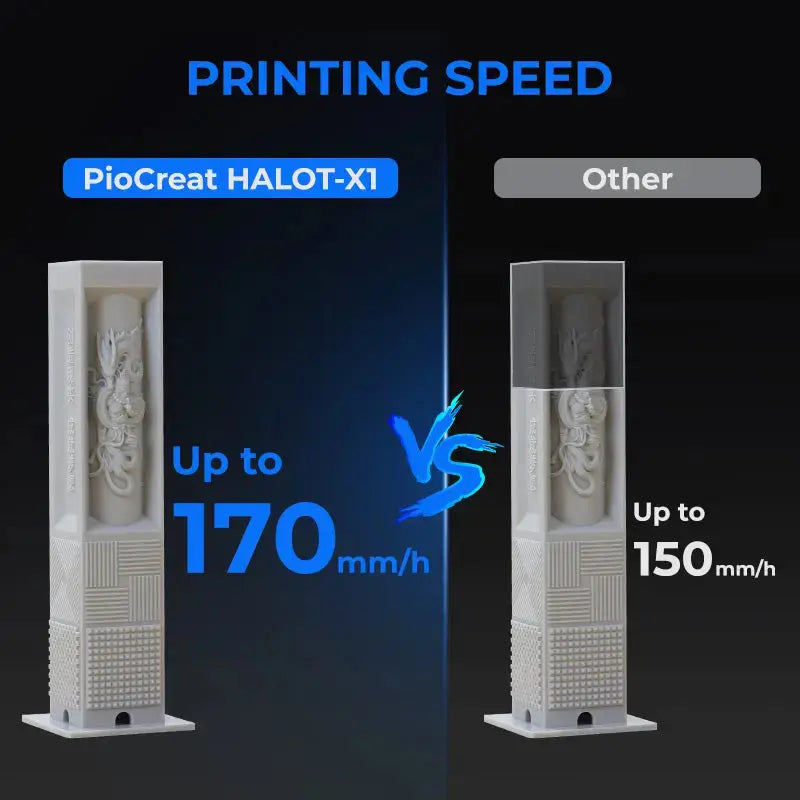
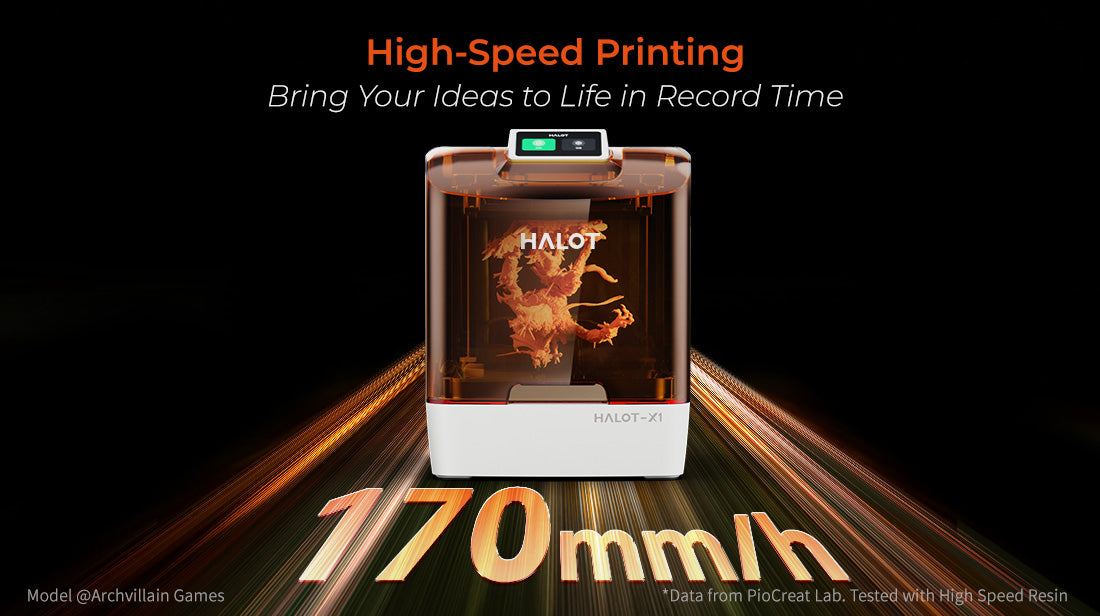
| Printing Speed | Max. 170 mm/h |
| Touch Screen | 3.98-Inch Capacitive Touch Screen |
| Slicing Software | HALOT BOX / Chitu Box |
| Data Transmission | USB / Wi-Fi |
| Input Voltage | 100–120V / 200–240V, 50–60Hz |
| Power | 350W |
Based on 0 reviews
Write A Review
Ask A Question